All tutorials
Your plan, billing and canceling
Your plan is the first box on Setup. Only the owner sees it.
-
See your plan
Click Setup in the menu. The box tells you where you stand.
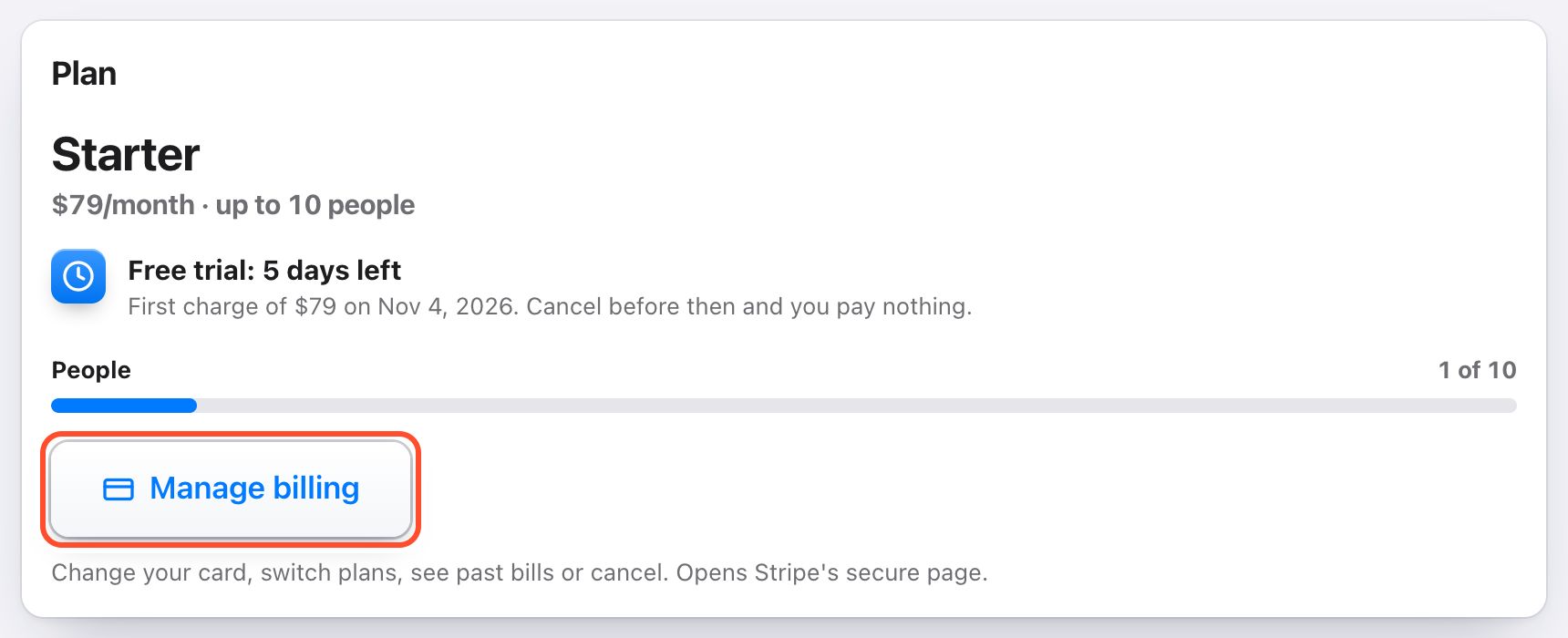
During your free trial. 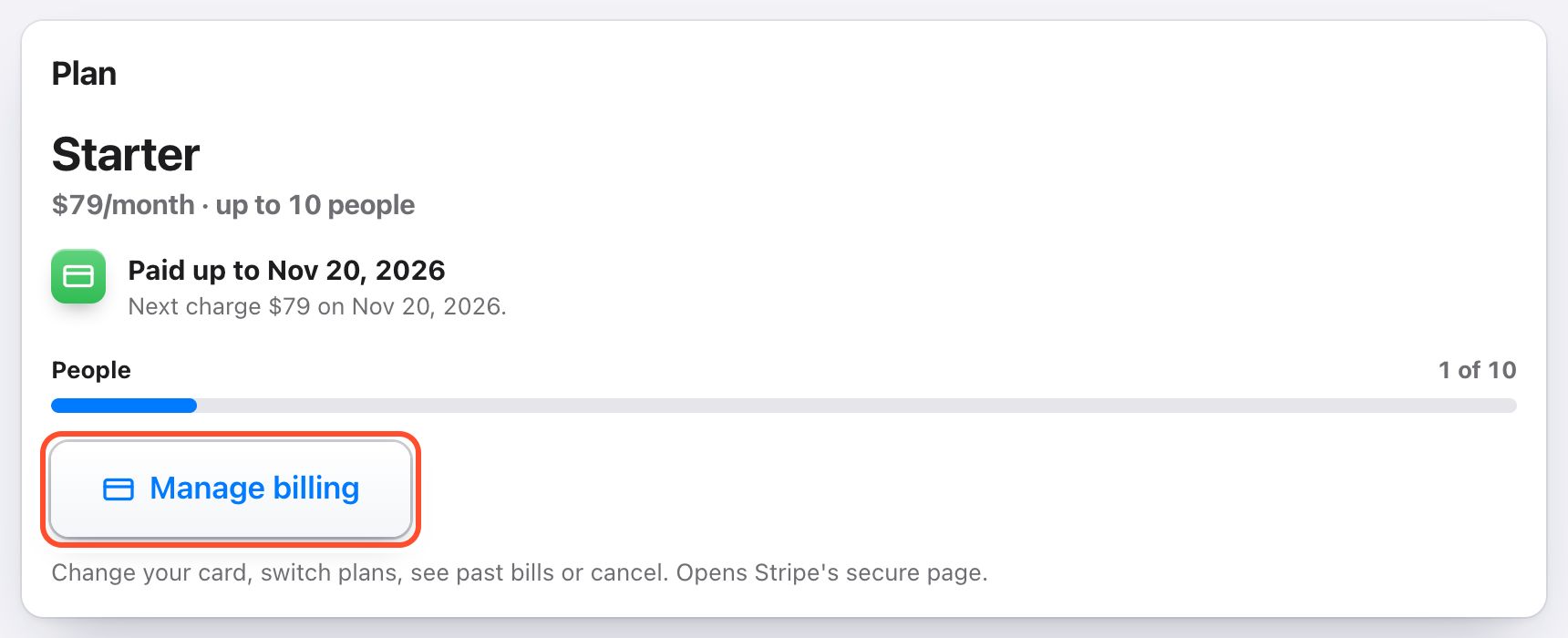
After your trial. Plan Price People Starter $79 a month Up to 10 Team $149 a month Up to 25 Every feature is on both plans.
-
Open Manage billing
Click Manage billing. It opens Stripe's secure page. Stripe is the company that handles our payments, and your card details stay with them.
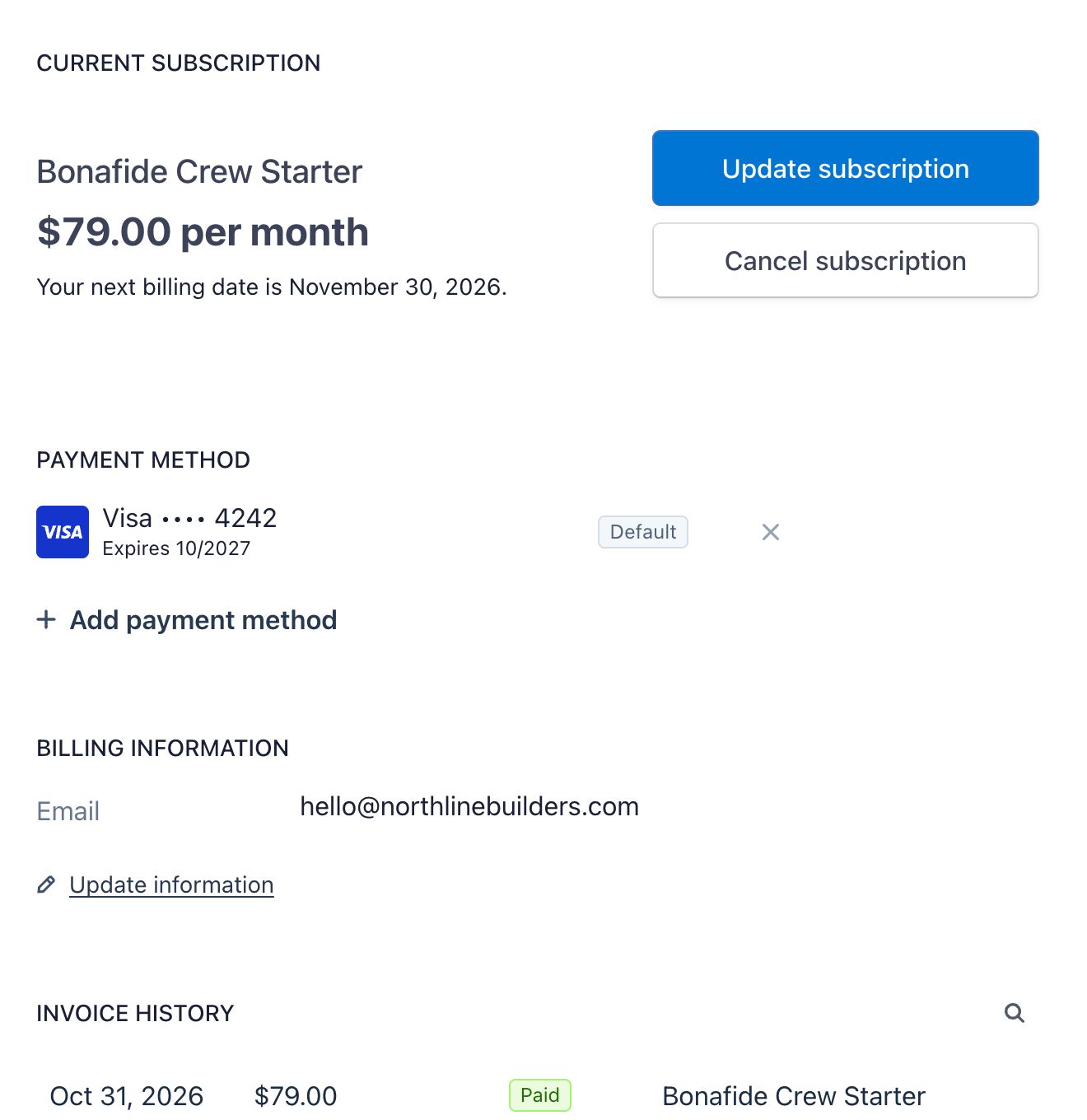
- Change your card
- Add payment method.
- Switch plans
- Update subscription.
- See past bills
- Scroll down to Invoice history.
- Change your billing email
- Update information.
-
If a payment fails
Everything keeps working. The Plan box shows a red notice and an Update card button. Click it and add a card that works.
-
Cancel
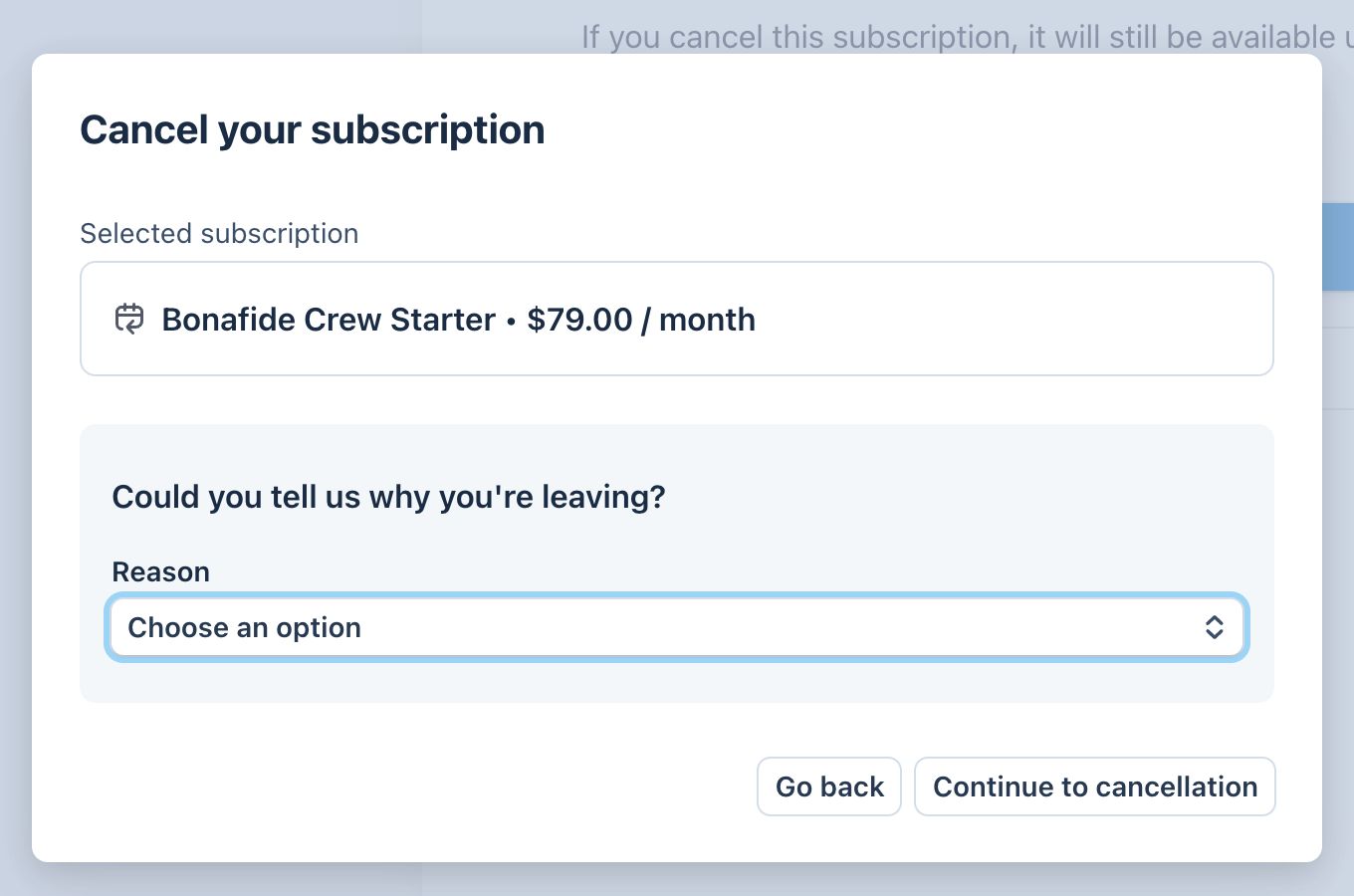
In Manage billing, click Cancel subscription. Stripe asks why you are leaving, then shows a last page to confirm. Click Cancel subscription again and you are done.
-
What happens after you cancel
Everything works until the end of the time you paid for. The Plan box shows that date, and Keep my plan undoes the cancel.
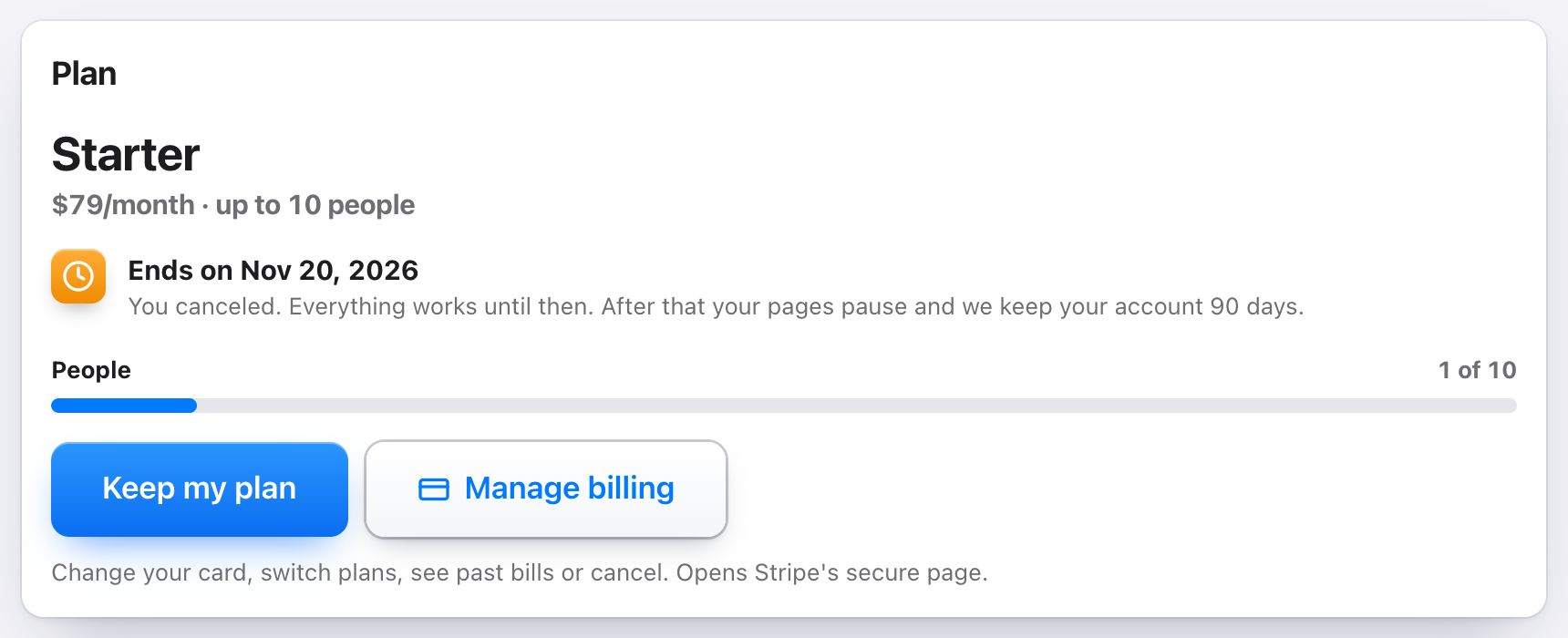
- After that date, your pages pause. Nobody can use your links.
- We keep your account for 90 days, in case you come back.
- We email you two reminders before anything is erased.
- After 90 days, the account and its files are erased for good.
Stuck? Write to us at support@bonafidecrew.com.