See and work your referrals
When someone fills in a partner's page, they show up on Today and in Referrals, so you won't miss them. A referral is warm: get back to them today.
-
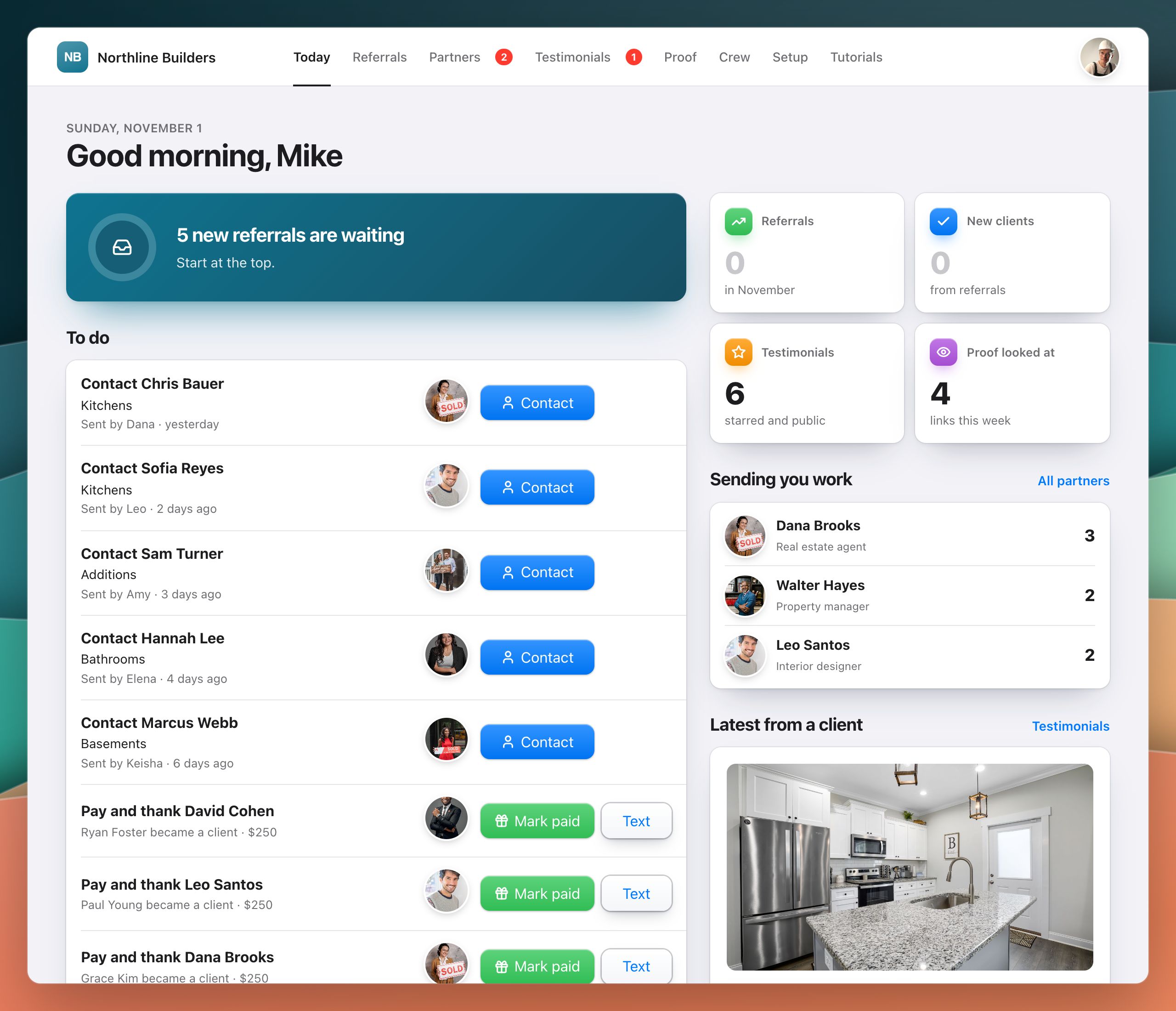
Find them on Today
New people are at the top of your to-do list, with what they need and who sent them. Click Contact and you land right on them in Referrals. They stay on Today until you mark how it ended.
-
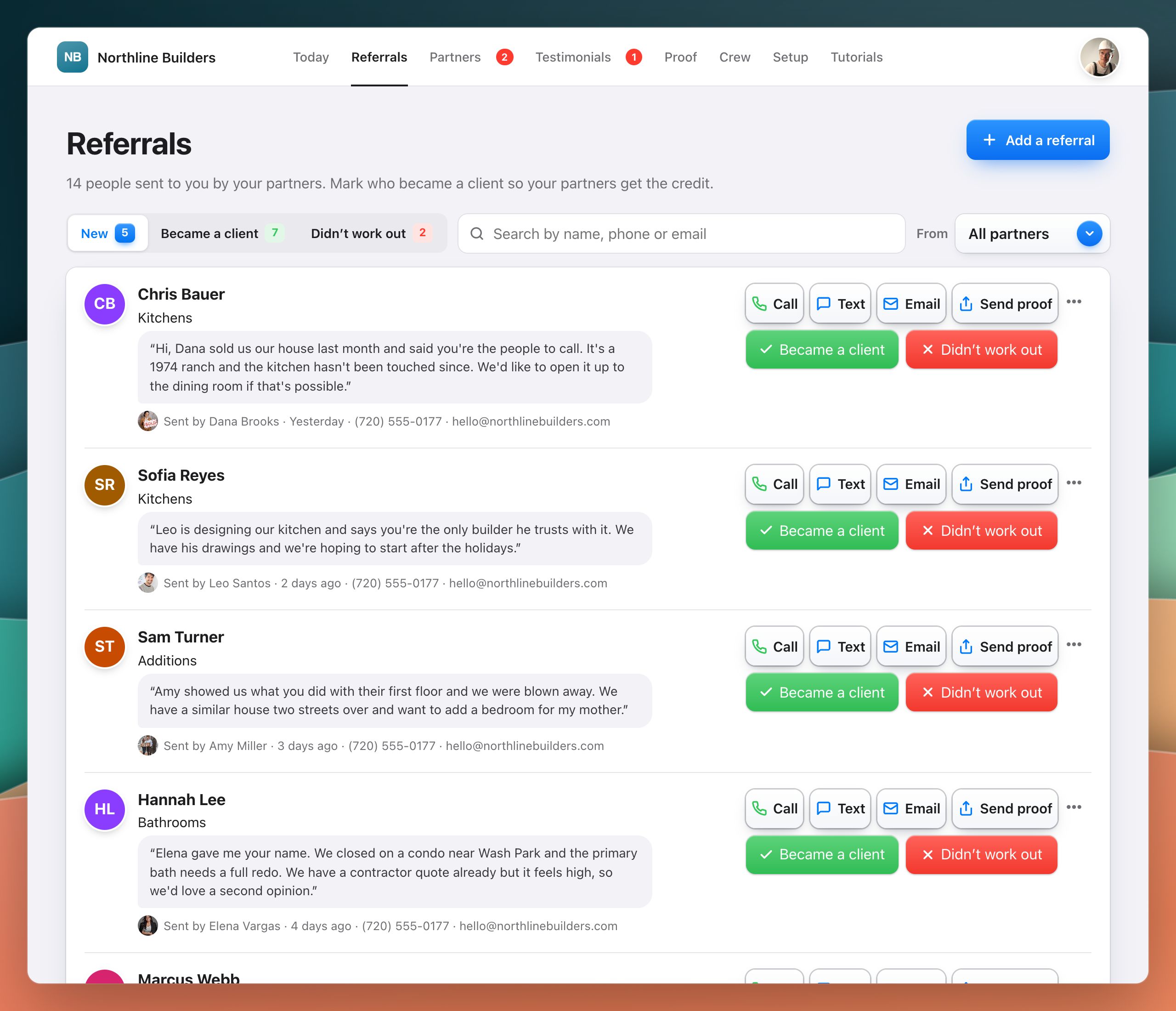
Or open Referrals
Click Referrals in the menu. The tabs split everyone into New, Became a client and Didn't work out. The From box shows the people one partner sent.
-
Fix or add their details
A number came later, or you misspelled a name? Click Edit on their card. You can change their name, company, phone, email and what they need. On the other tabs, Edit is in the ··· menu. If they already became a client, an open job updates by itself.
-
Reach out, send proof, then say how it went

- 1. Call, Text, Email, Send proof
- Opens your phone or email with their details ready. Send proof opens a page of your jobs to pick from, with their name filled in.
- 2. Became a client
- Your partner gets the credit. Today then shows three cards: pay and thank them, Job done?, and ask for a testimonial. The job also appears for your crew.
- 3. Didn't work out
- Takes them off Today. Never going to call them? Use this.
-
Add one yourself
A partner just called you with a name? Click Add a referral, pick who sent it, and they get the credit.
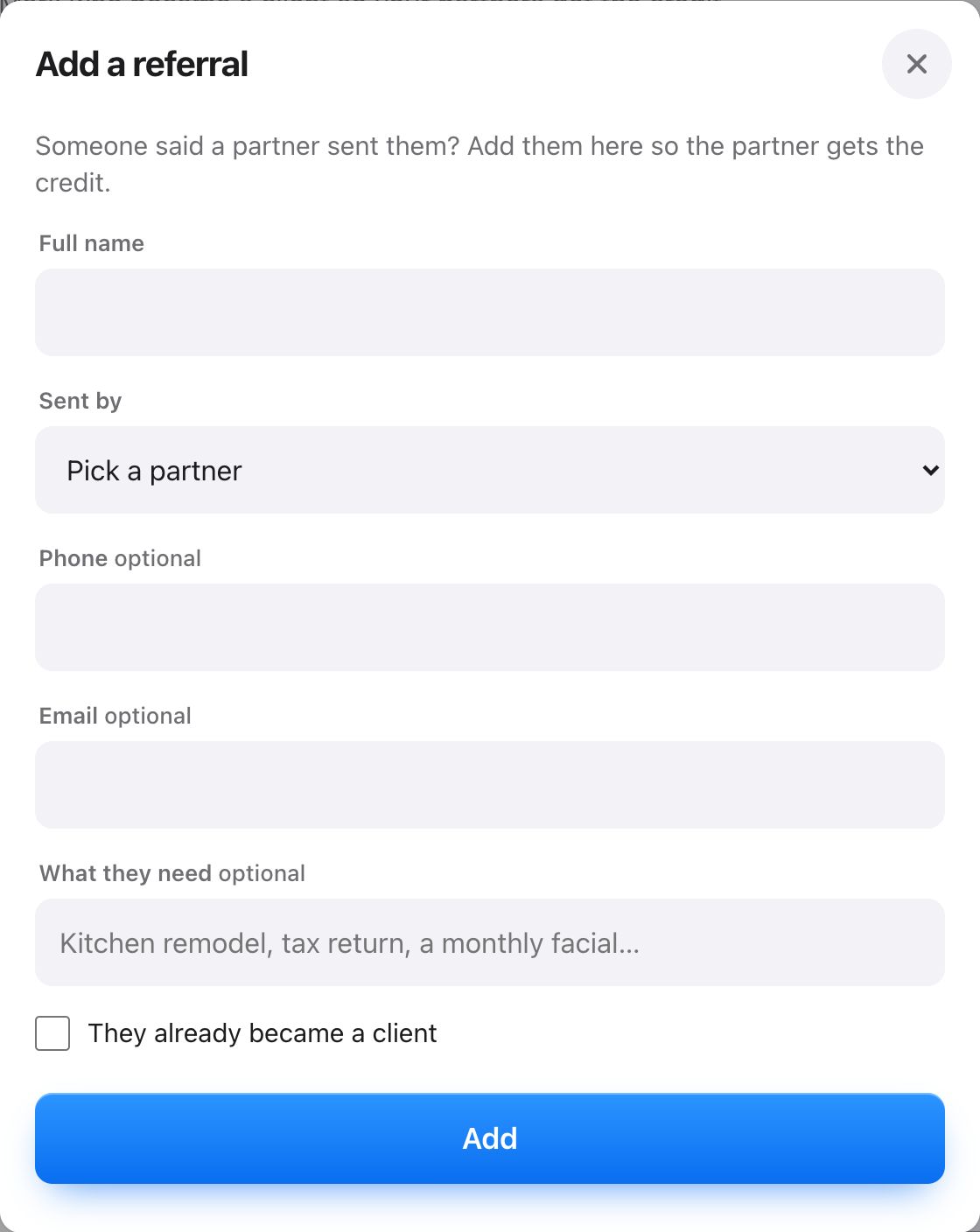
- Full name
- The person who needs you.
- Sent by
- Pick the partner.
- Phone, Email
- Optional, but you will want at least one.
- What they need
- Optional.Example Kitchen remodel, tax return, a monthly facial
- They already became a client
- Tick this if the deal is already done.
-
Pay the rewards you owe
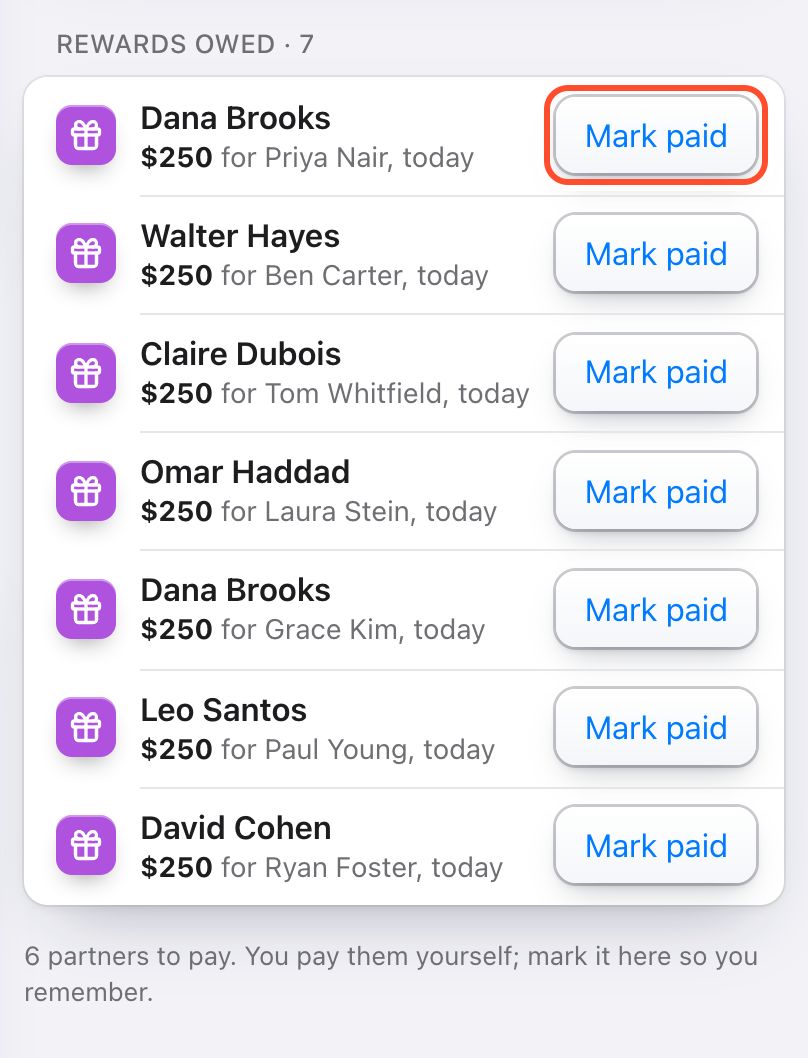
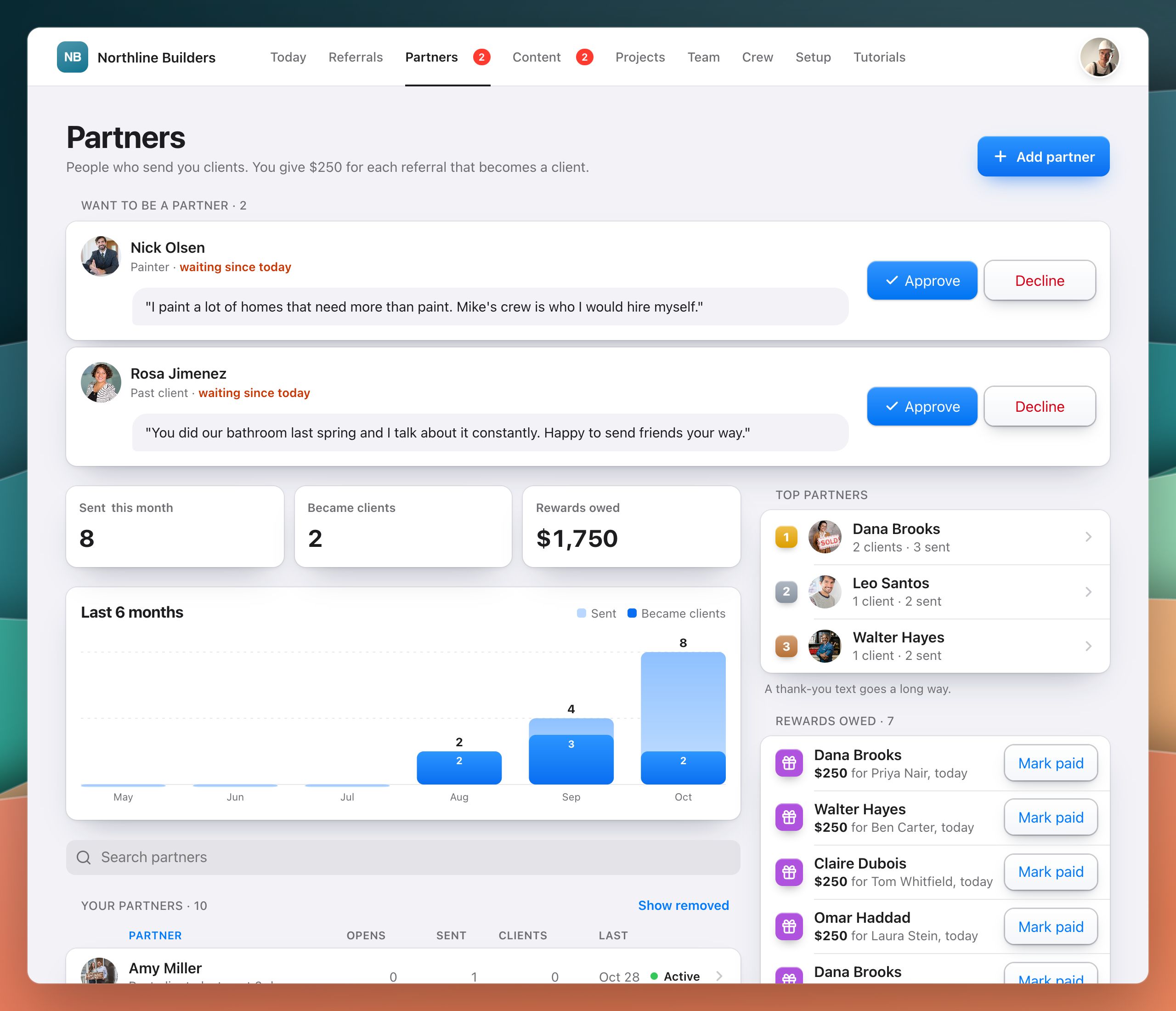
On Partners, Rewards owed lists what you owe and who for. You pay them yourself, however you like. Then click Mark paid so you remember.
-
See who is sending you work
Partners shows the last six months, your top partners, and when each one last sent someone.
Stuck? Write to us at support@bonafidecrew.com.