All tutorials
The Setup page
Click Setup in the menu. This is where your business details, your look and your partner page settings live. When you change something, click Save changes at the bottom.
-
Your business details
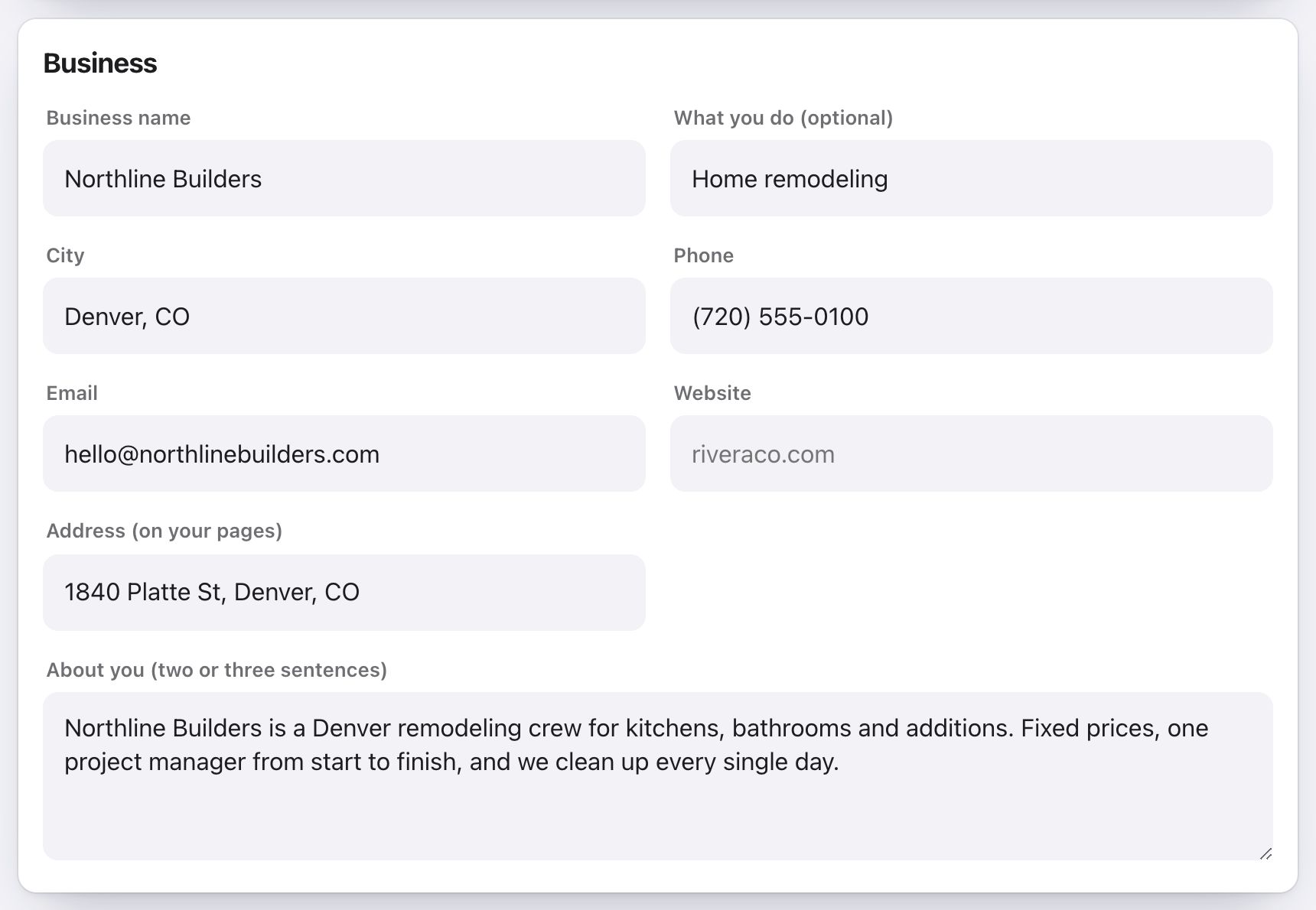
- Business name
- As you want clients to see it.
- What you do
- Optional. Shown under your name on your pages.Example Home remodeling
- City, Phone, Email, Website
- How people reach you.
- Address
- Shown on your pages. Leave it out if you work from home.
- About you
- Two or three sentences.Example Northline Builders is a Denver remodeling crew for kitchens, bathrooms and additions. Fixed prices, one project manager from start to finish, and we clean up every single day.
-
Your look
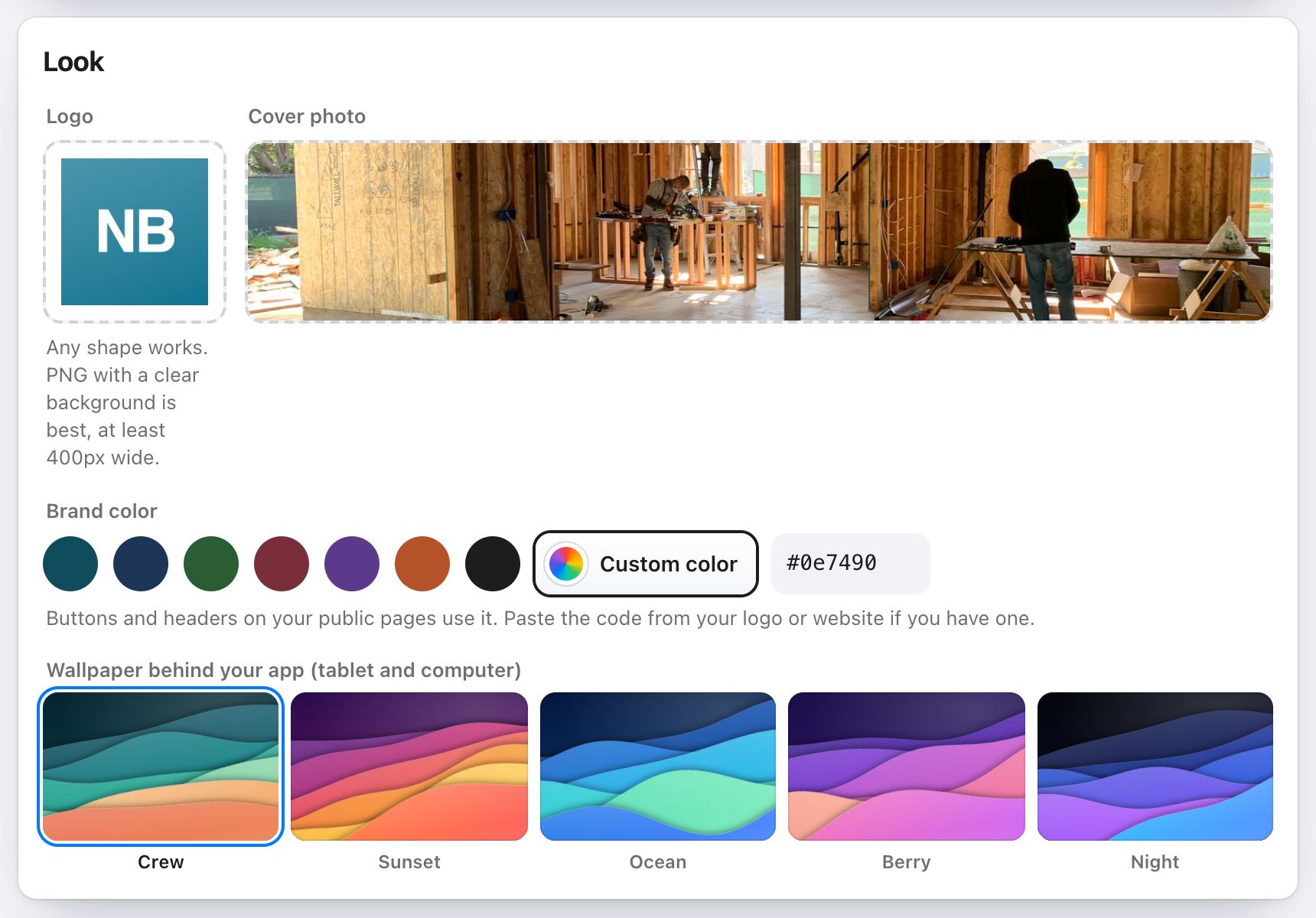
- Logo
- Any shape works. A PNG with a clear background looks best.
- Cover photo
- A wide photo at the top of your pages.
- Brand color
- Used for buttons and headers on your public pages. Click Custom color to paste your exact code.
- Wallpaper
- Behind the app on a tablet or computer. Only you and your crew see it.
-
Partners and their pages
Each extra is optional. Switched off, it does not appear anywhere.
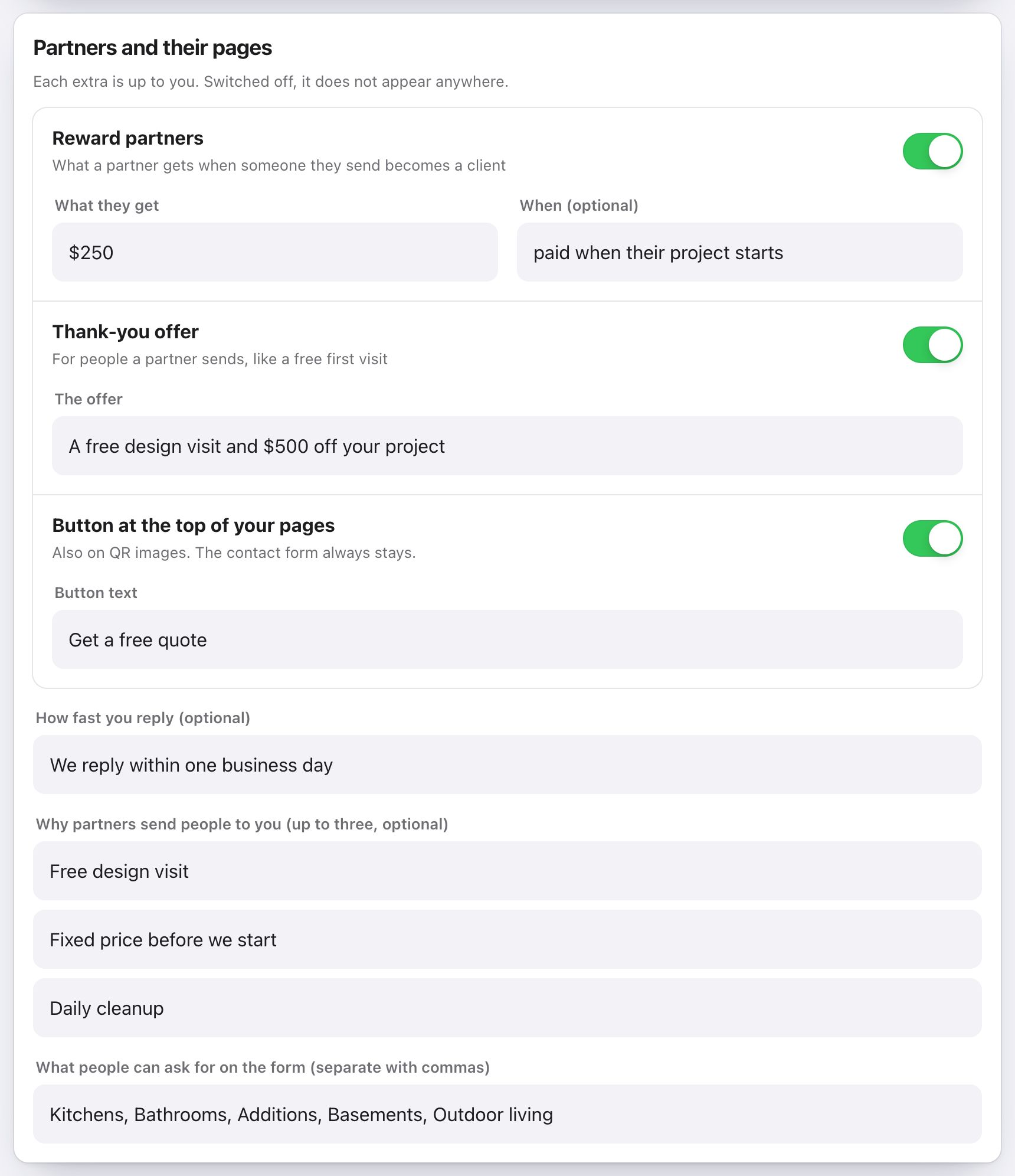
- Reward partners
- What a partner gets when someone they send becomes a client. You pay it yourself.
- What they get
- The amount or gift.Example $250
- When
- Optional. The moment it is earned.Example paid when their project starts
- Thank-you offer
- For the people a partner sends, like a free first visit.Example A free design visit and $500 off your project
- Button at the top of your pages
- Also on QR images. The contact form always stays.Example Get a free quote
- How fast you reply
- Optional. A promise, so make it one you keep.Example We reply within one business day
- Why partners send people to you
- Up to three short reasons.Example Free design visit · Fixed price before we start · Daily cleanup
- What people can ask for on the form
- Separate them with commas.Example Kitchens, Bathrooms, Additions, Basements, Outdoor living
-
Check it on your own page
The address at the top of Setup is your public page. Click it to see how it all looks to a stranger.
Stuck? Write to us at support@bonafidecrew.com.