All tutorials
Bring in your team
One owner runs the app. Everyone else captures what they see on the job. You send one link, they make their own login, and you approve them. The Crew screen is only for owners.
-
Send your join link
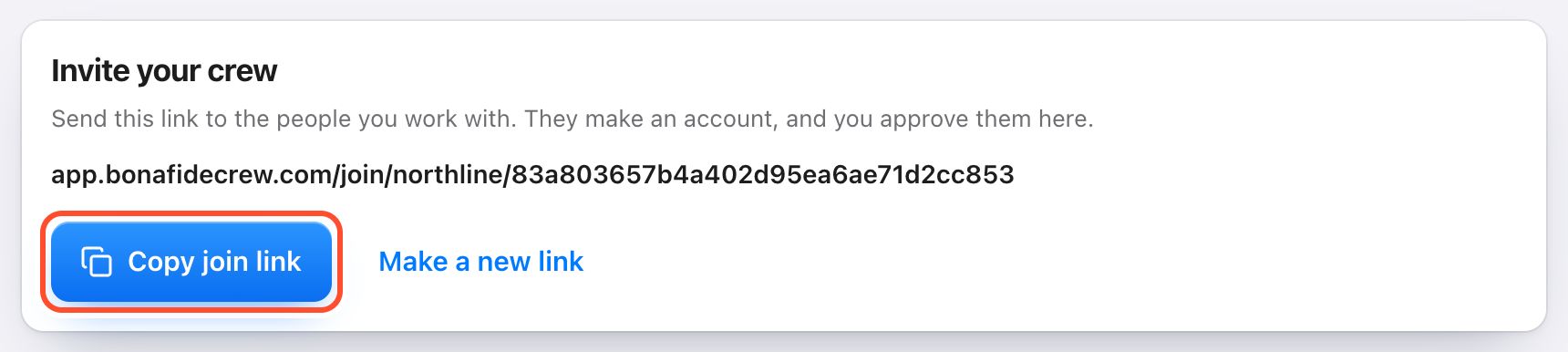
Click Crew in the menu, then Copy join link, and send it to your team.
-
Approve them
Once they make their account, Today shows Approve. They are also under Waiting for you on Crew. Your plan shows how many people you can have.

-
What your crew sees
Their own screen, in your brand color, with their photo at the top and three big buttons. They tap the circle to add their photo.
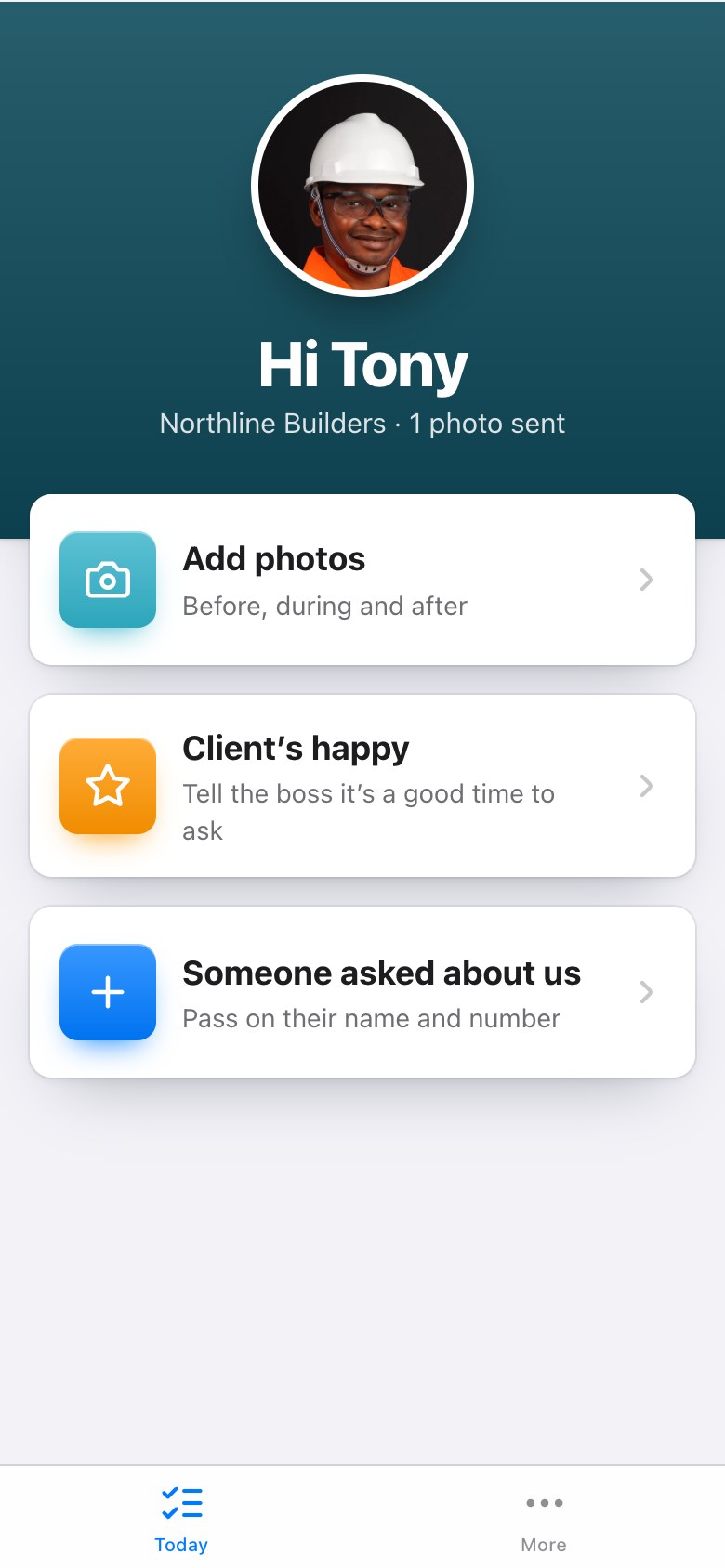
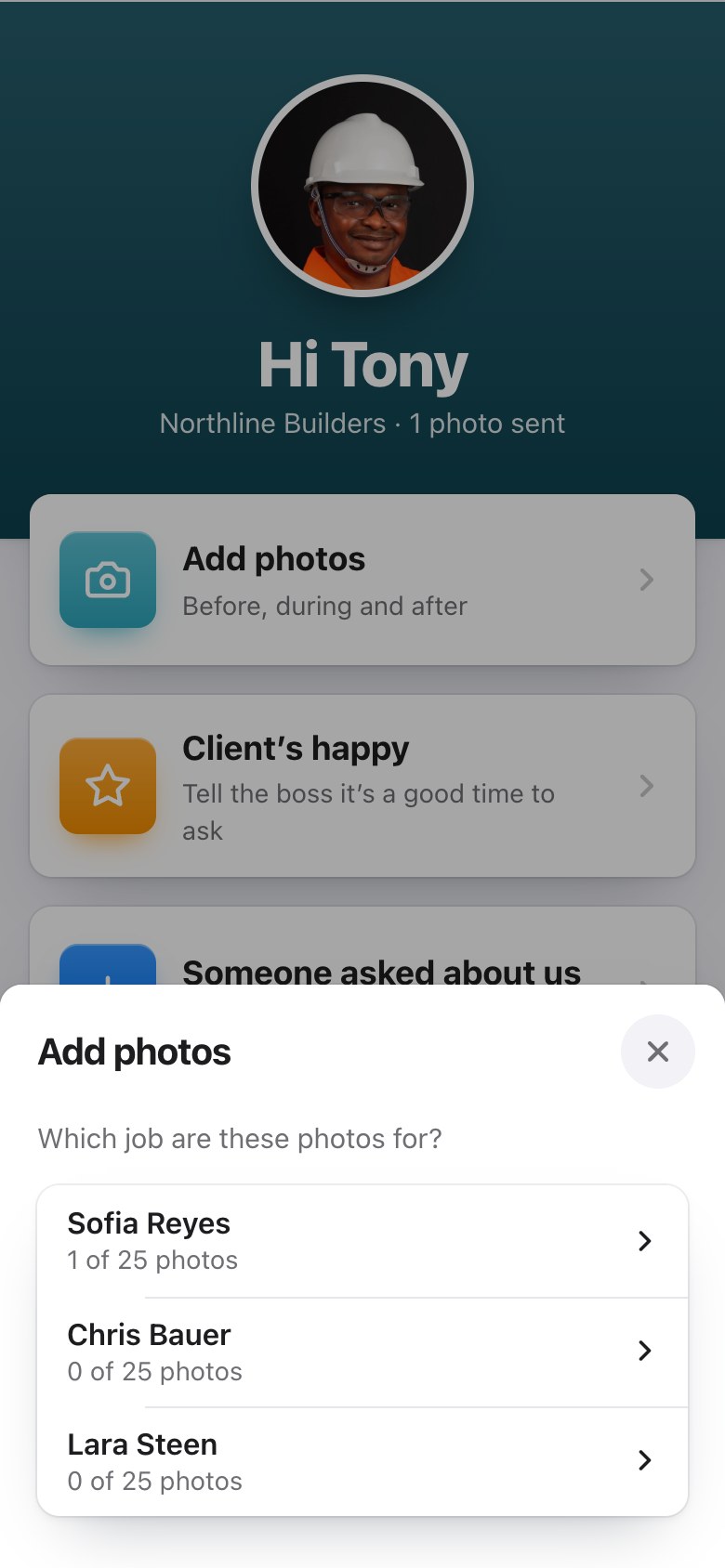
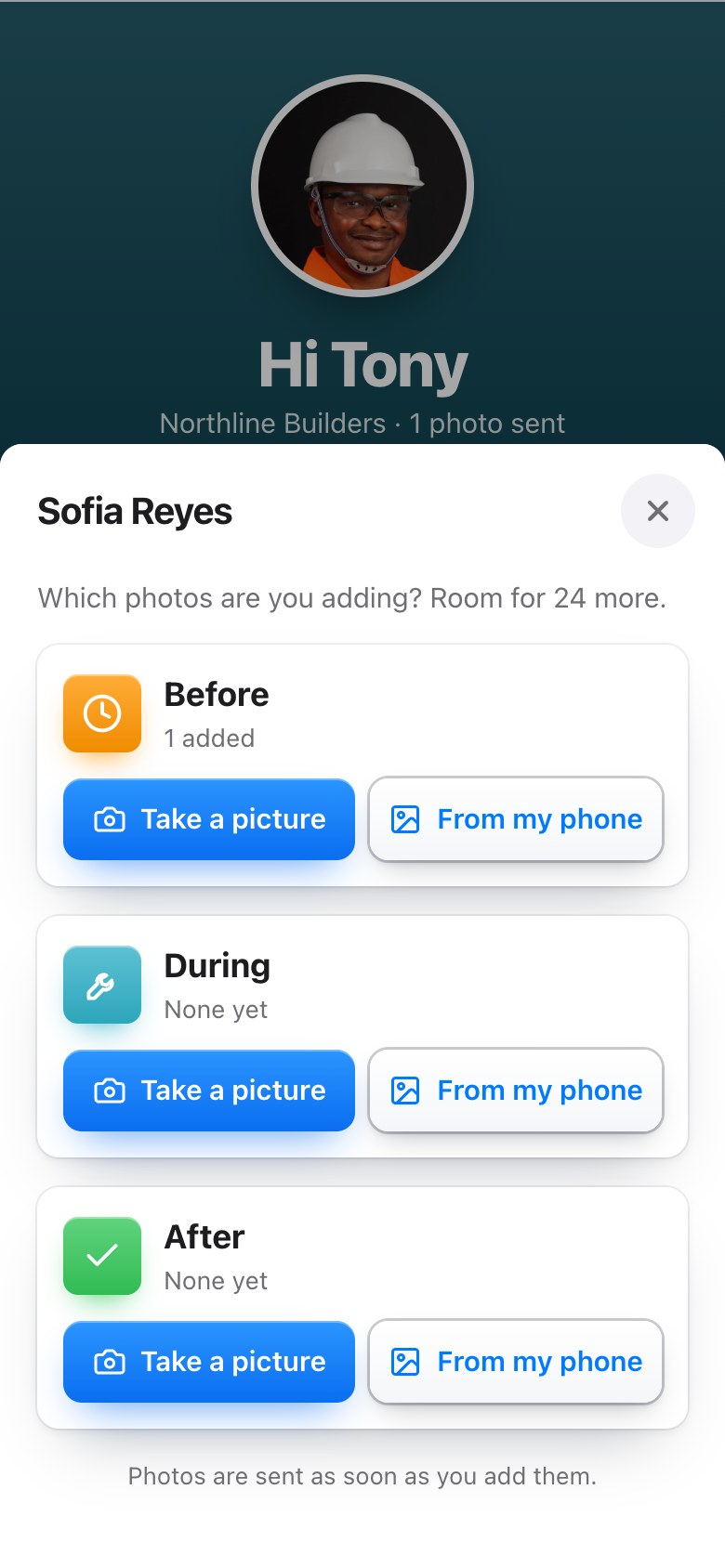
- Add photos
- They pick the job, then add Before, During or After photos, with the camera or from their phone. A job holds up to 25, and you choose which to keep.
- Client's happy
- They pick the job, and Today tells you it is a good moment to ask for a testimonial.
- Someone asked about us
- They type a name and number, and it lands on Today like any referral.
-
If someone leaves
Click Remove next to their name. They lose access right away, and the work they did stays. Then click Make a new link, so the old join link stops working.
Stuck? Write to us at support@bonafidecrew.com.