Get testimonials from clients
Nothing sells like a happy client's own words. You send one link, they write a few words, and you decide what goes public.
-
When to ask
You don't have to remember. When a referral becomes a client, or you save a job with a client's name, Today shows Job done? Ask Lara for a testimonial. If your crew taps Client's happy, Today tells you that too. Click Ask when the time is right, or Skip.
-
Start from Testimonials
Click Testimonials in the menu. There are two ways in:

- 1. Ask for a testimonial
- For a client you want to ask now.
- 2. Add a past one
- For kind words you already have. Skip to step 6.
-
Make the link
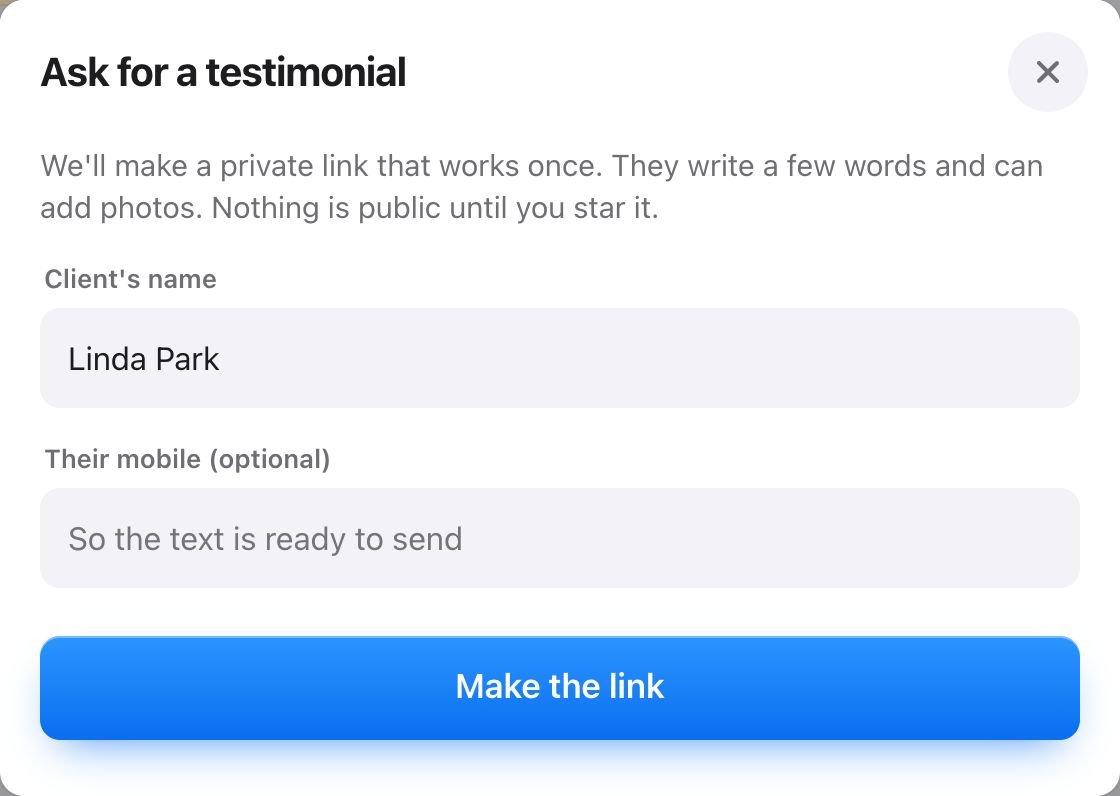
Type the client's name. Add their mobile if you have it, so the text is ready to send from your phone. Click Make the link.
-
Send it from your own phone
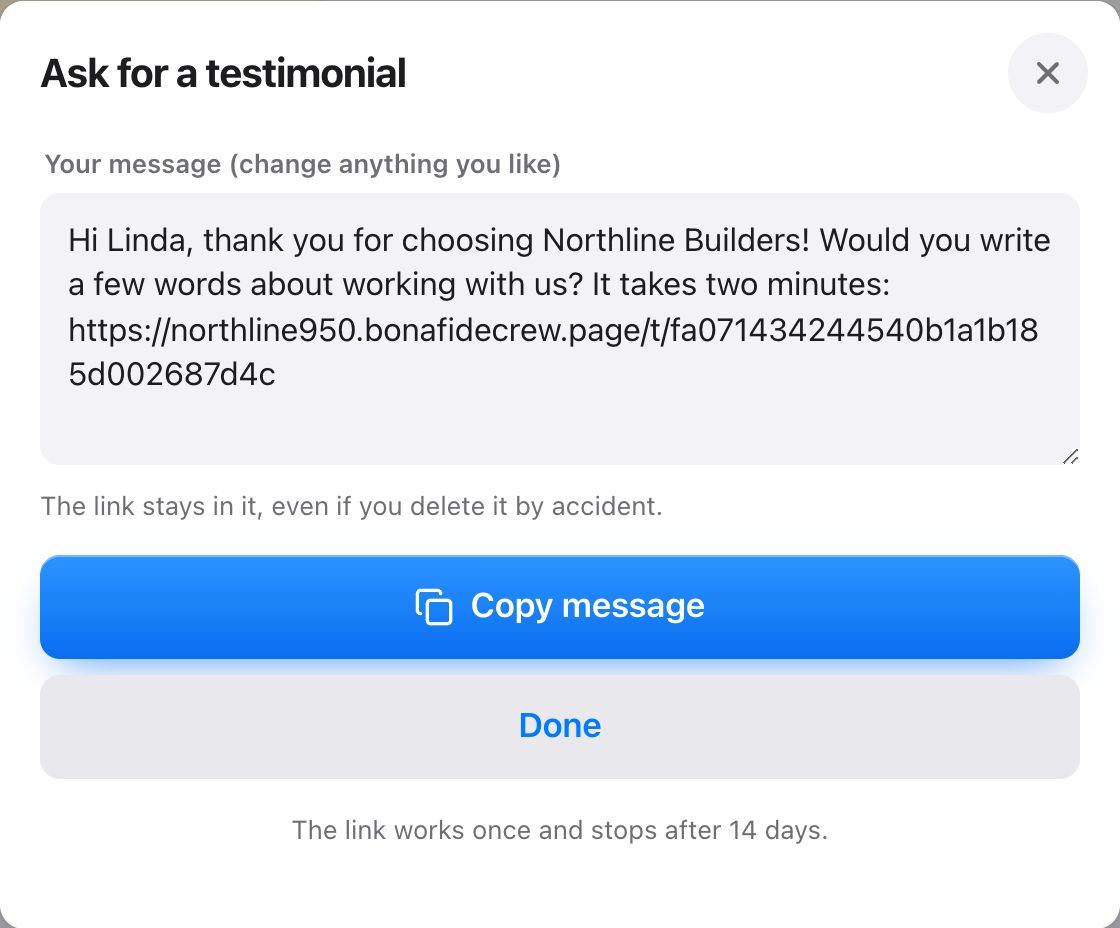
We write the message for you, and you can change any of it. Click Copy message and paste it into a text. It comes from you, so people actually answer.
 The message we write
Hi Linda, thank you for choosing Northline Builders! Would you write a few words about working with us? It takes two minutes: [their link]
-
What your client sees
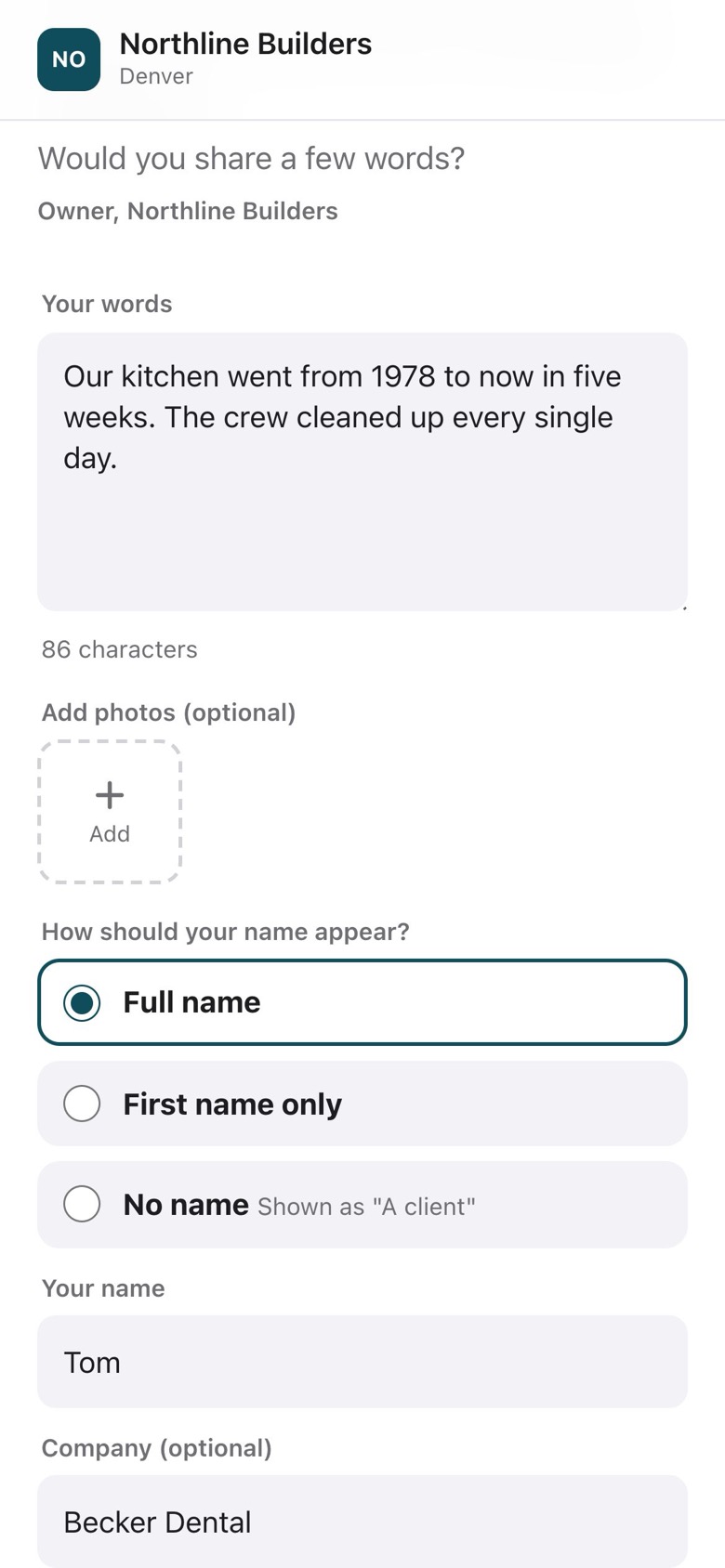
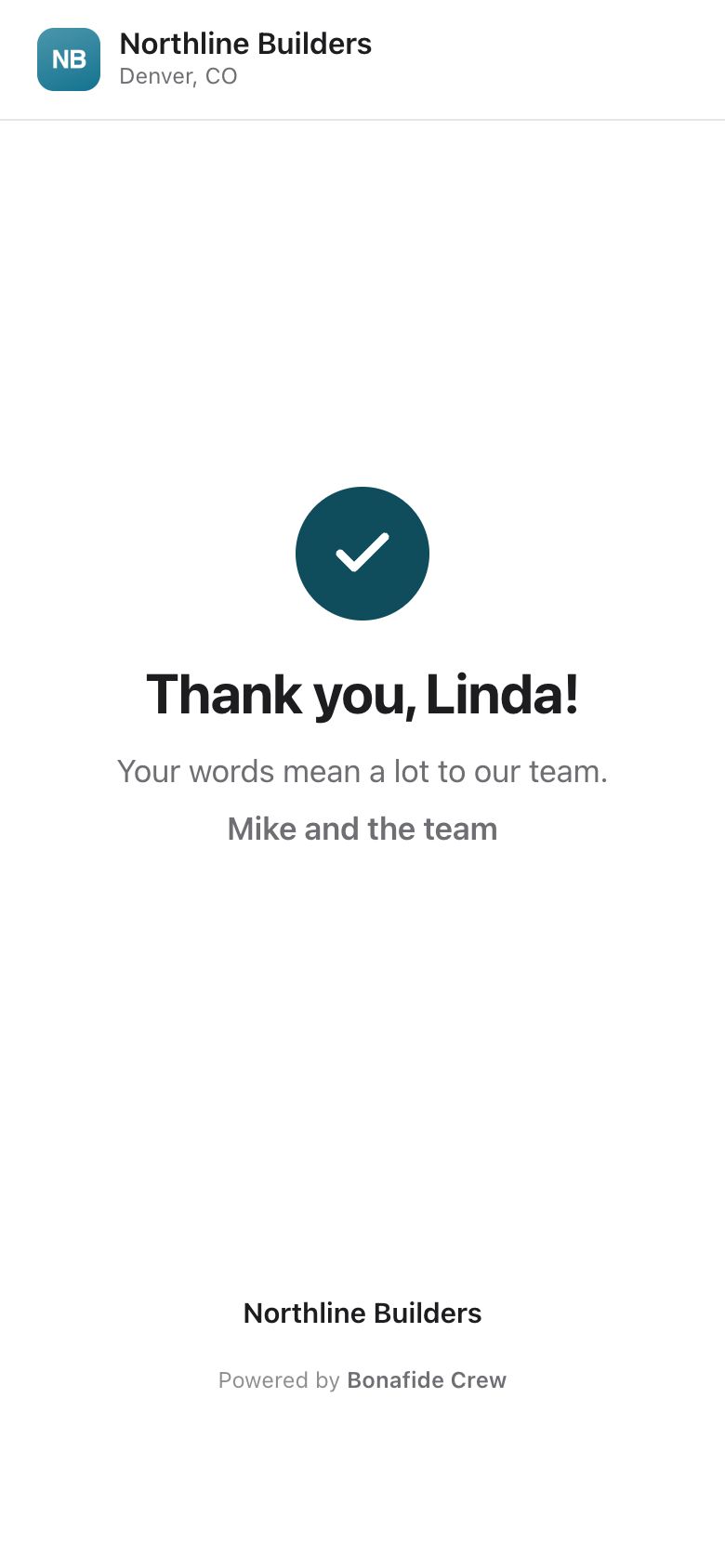
They open the link on their phone. No account, nothing to download. They write a few words, can add photos, choose how their name appears, tick that you can share it, and click Send.
-
Read it, then star it
It lands in your Inbox on Testimonials. Today tells you too. Read it, then click Star. Nothing is public until you star it.

Asked shows the links still waiting for an answer. 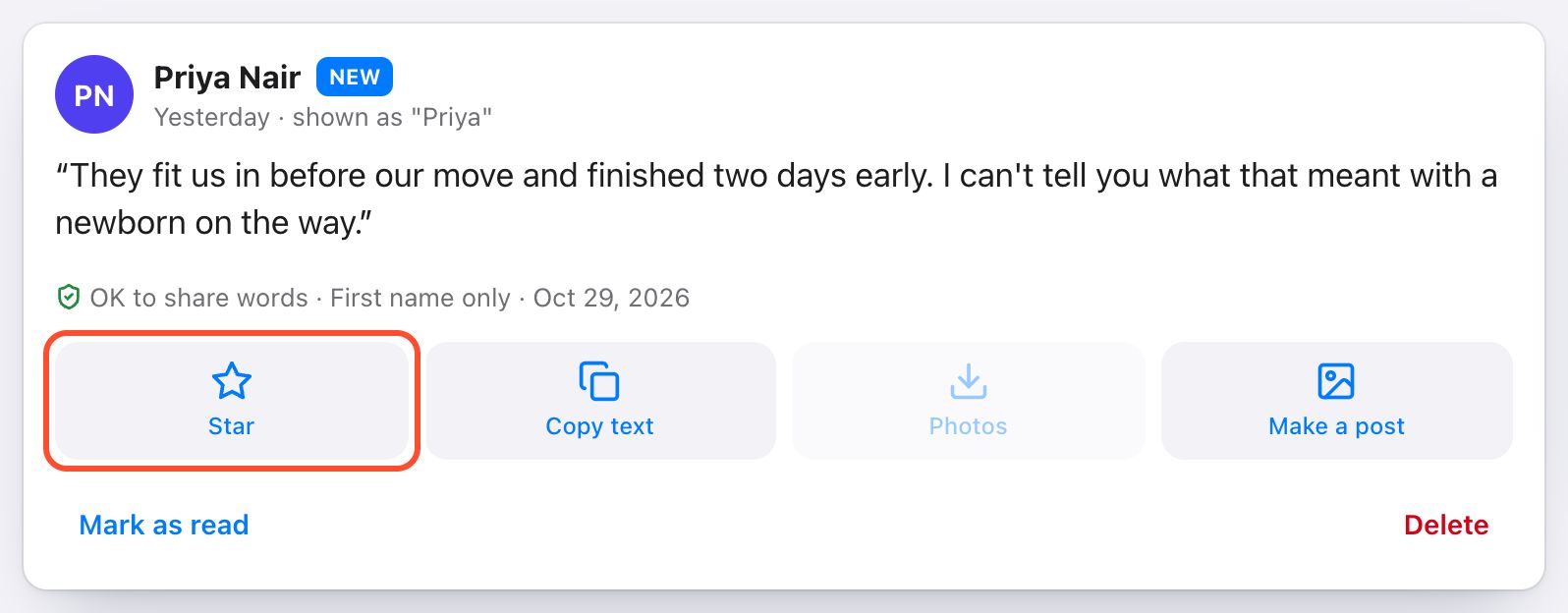
Starred means public. It now shows on your partners' pages, on your What our clients say page, and on your Website Box.
-
Add ones you already have
Click Add a past one. Paste their words in exactly as they sent them.
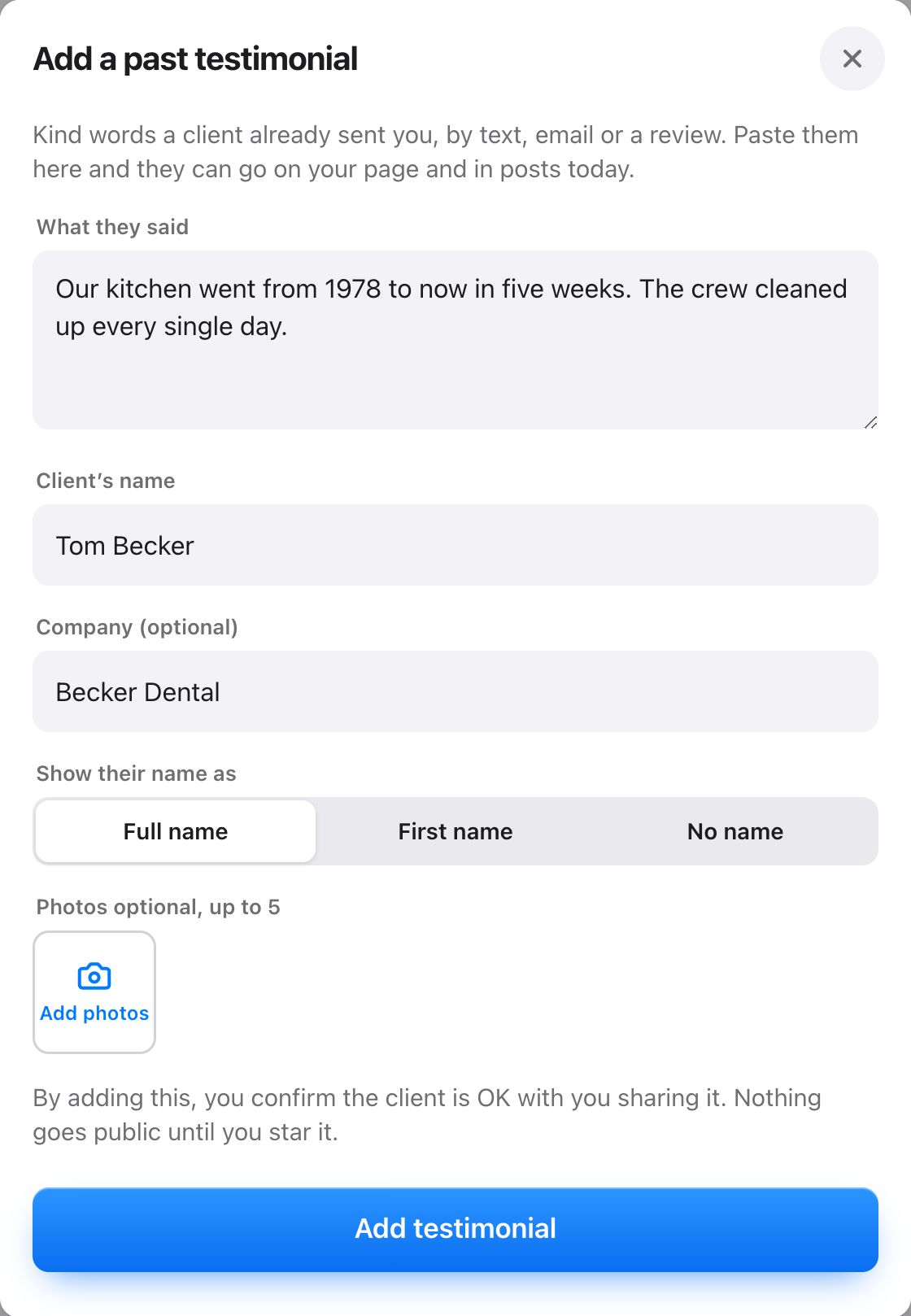
- What they said
- Their own words. Do not tidy them up: real words sell better.
- Client's name
- Then choose Full name, First name or No name.
- Company
- Optional. It shows next to their name. No name hides it too.
- Add testimonial
- Clicking it confirms the client is OK with you sharing it. Only add it if they are.
-
See your public page
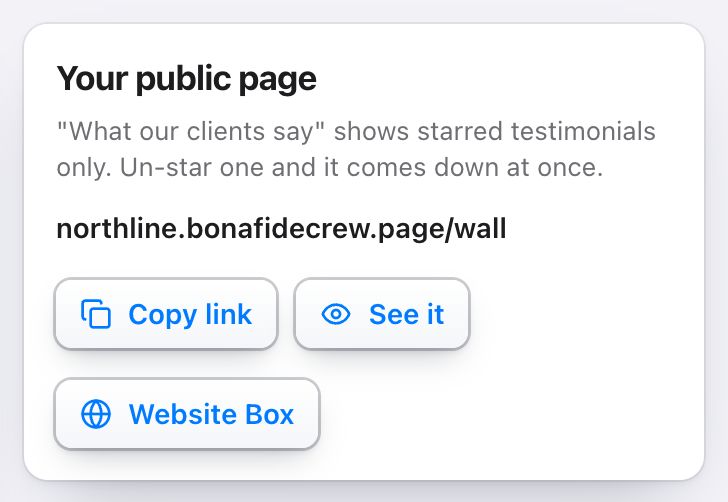
Your starred testimonials make up your What our clients say page. On Testimonials, use Copy link to share it or See it to look at it. Take a star off and the testimonial comes down at once.
Stuck? Write to us at support@bonafidecrew.com.